
3.0 KiB


Flat Logic World
Give Logic World a fresh new look with Material Design colors!
A flat UI perfectly matching the flat earth in Logic World 😝

Installation
Mod support in Logic World is not finished yet but the mod directory can already be used for external color pallets.
- Download ZIP from the latest release
- Extract and copy the
FlatLogicWorldfolder to the mods folder:Logic World/GameData(the game can open it for youMain Menu > Mods > Open Mods Folder) - If the game is running, restart it and done 🎉
Usage
- Navigate to
Settings > User Interface - At option "Theme" choose a "Material Dark [color]" theme from the dropdown menu
- Profit
Known Issues
- Scrollbars are invisible in component selection menu. The scroll bar in the component selection menu is assigned to the color
Primaryand the scrollbar background toTertiary. Both colors are equal in the Flat Logic World themes giving them the flat and clean look. Hovering over the scrollbar will reveal it. This only effects the scrollbars in the component selection menu, other scrollbars use other colors that work well. - Text in dropdowns are gray and not black. The text color of the selected item in a collapsed dropdown element is hard-coded to that gray, so it cannot be customized by the color palette. That's why the dropdowns are that bright, making them darker would make the text very hard to read.
Pictures
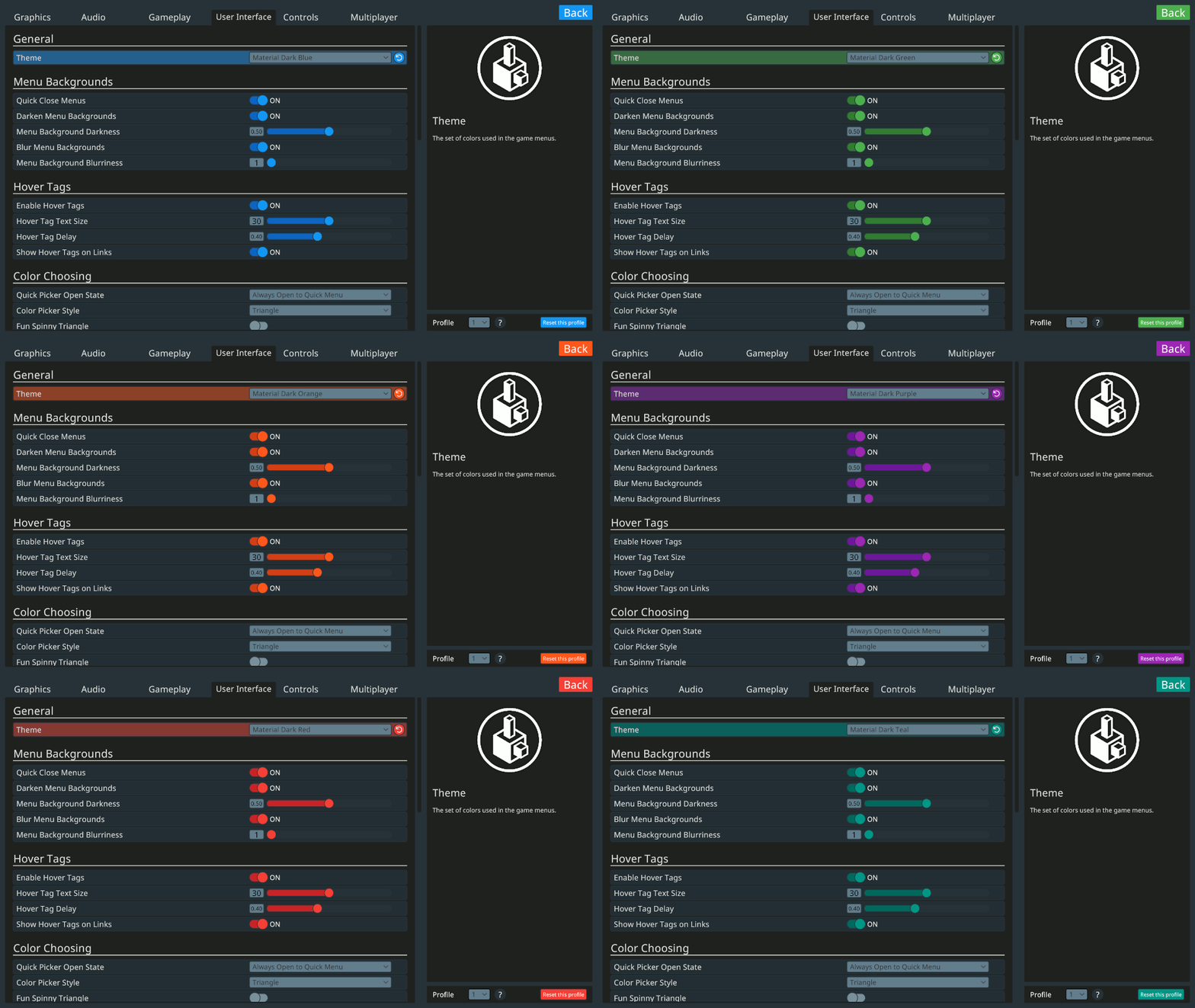
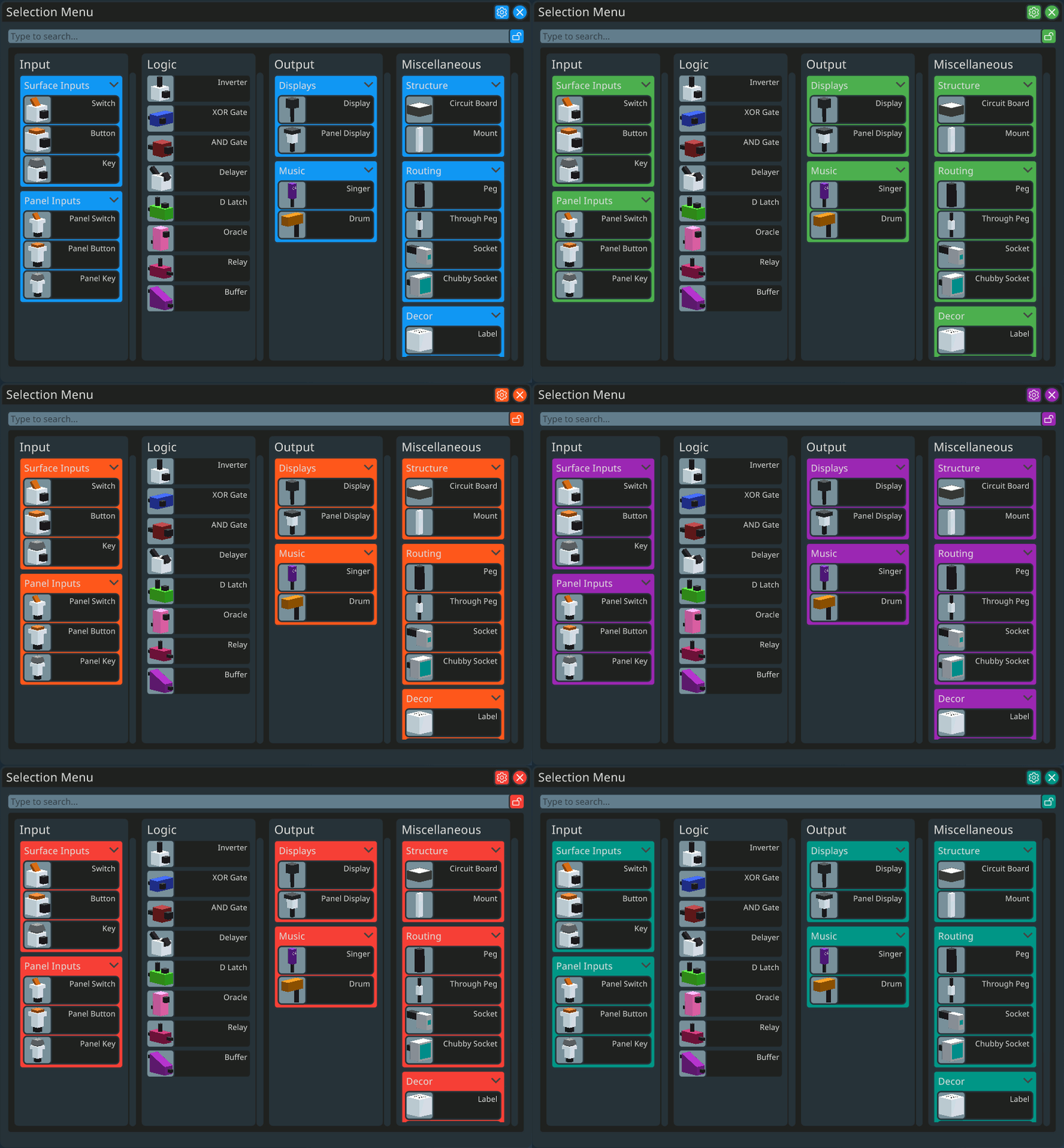
"Build" it Yourself
You can create the release ZIP file yourself by simply executing the release.sh script (Linux only, needs sed and zip (default on most distros)):
utils/release.sh
This script will automatically cut out all unnecessary comments and create a ZIP file. The content can be placed directly into the mod folder of Logic World.
⚠️ The version number is taken from the latest git tag.
Acknowledgements
Huge thanks to Mouse Hat Games (especially Jimmy) for the great game and the modularity making it super easy to create custom themes and other mods!